Colorize black and white photos with natural color
Family prints, archive shots, film scans. PixelUp adds believable color to every surface and keeps every original detail exactly where it was.
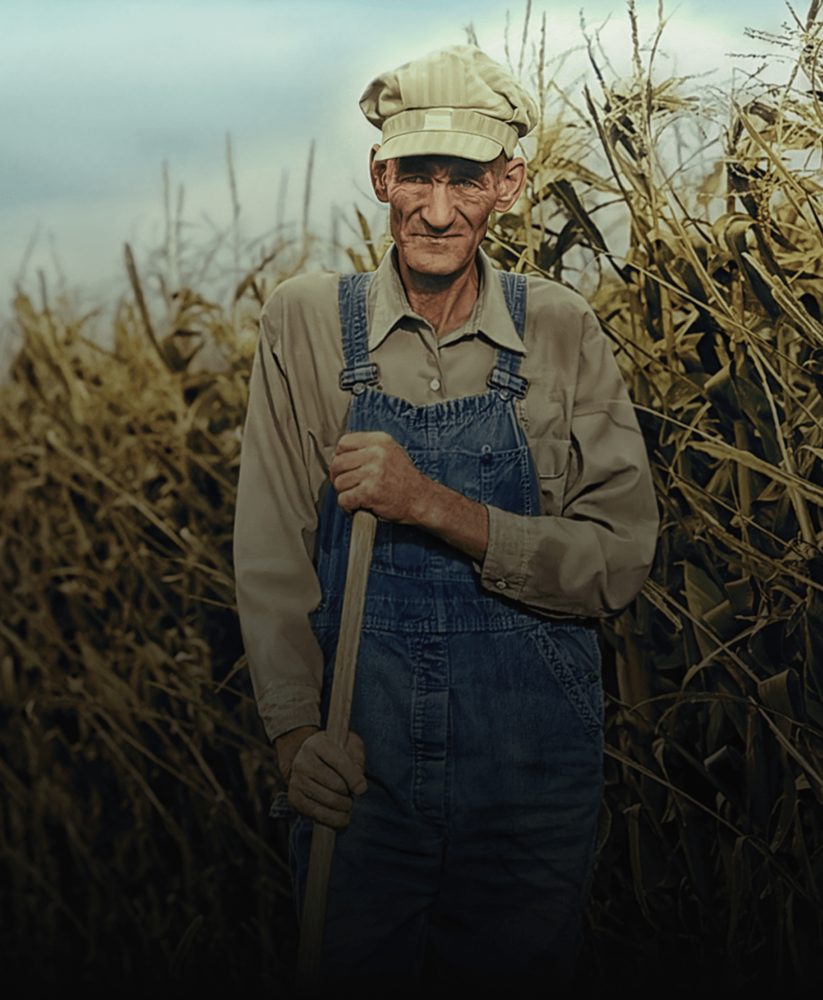
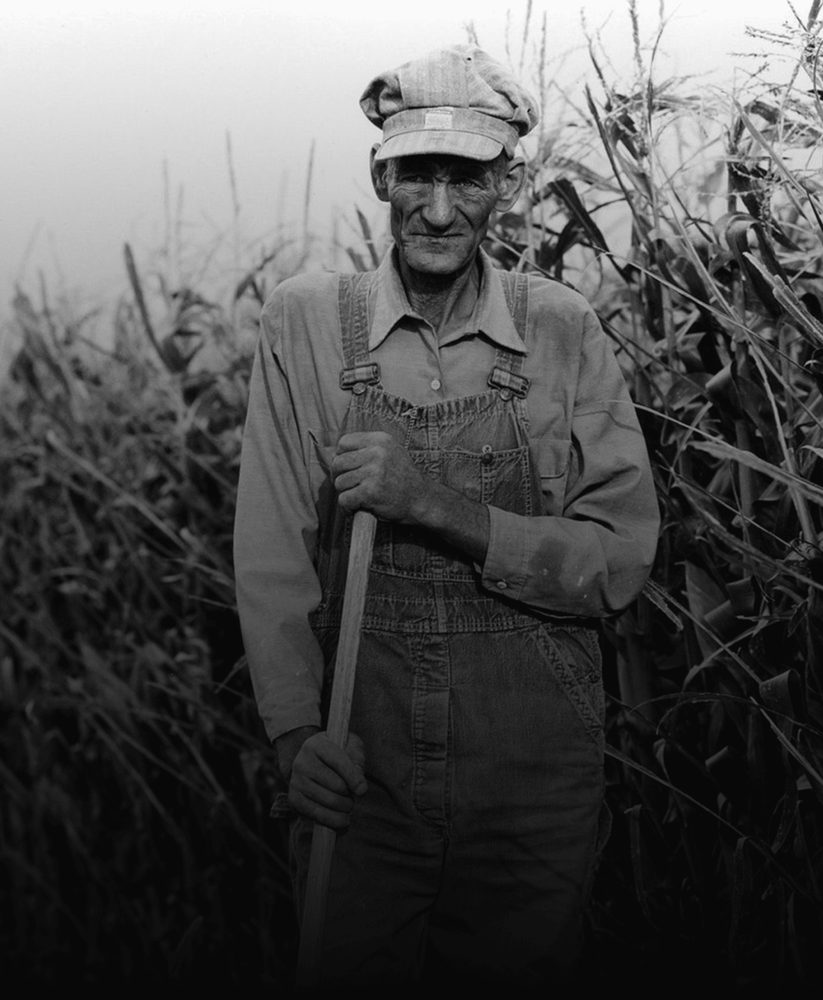 BeforeAfter
1950s print, one run of Colorize. Drag to compare.
Color that sits inside the lines
Cheap colorizers bleed color across edges and wash everything in sepia. PixelUp places color precisely and keeps the photograph honest.
Skin, hair and eyes that look alive
Skin tones are the hardest part of colorization. The model works from the tonal structure of the face to produce warm, varied, realistic skin rather than one flat tint.
- Natural variation between people in the same photo
- No orange cast, no plastic look
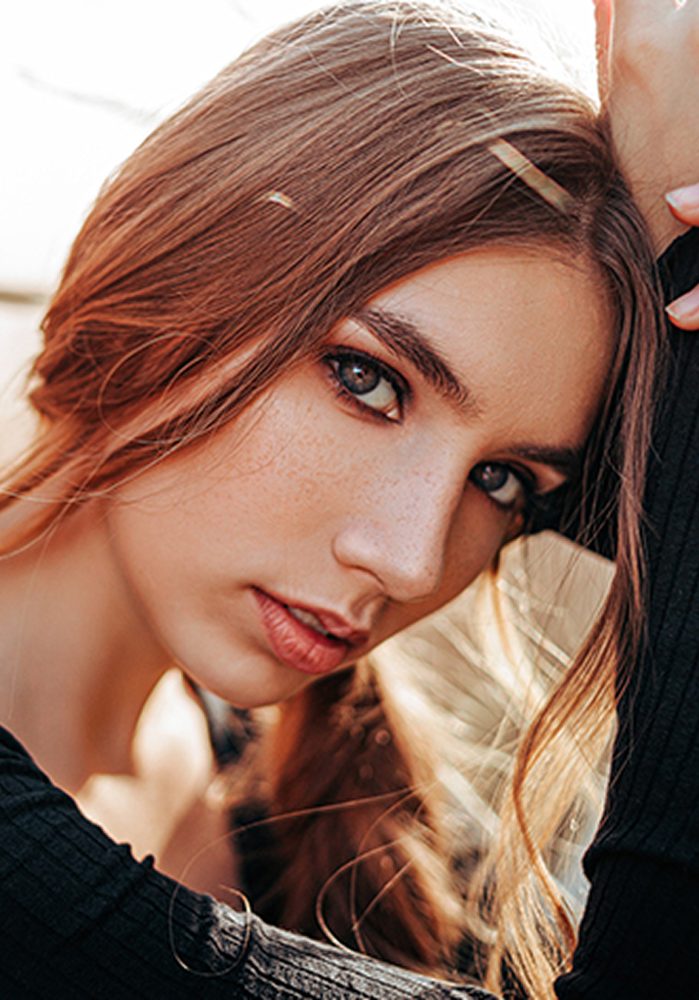
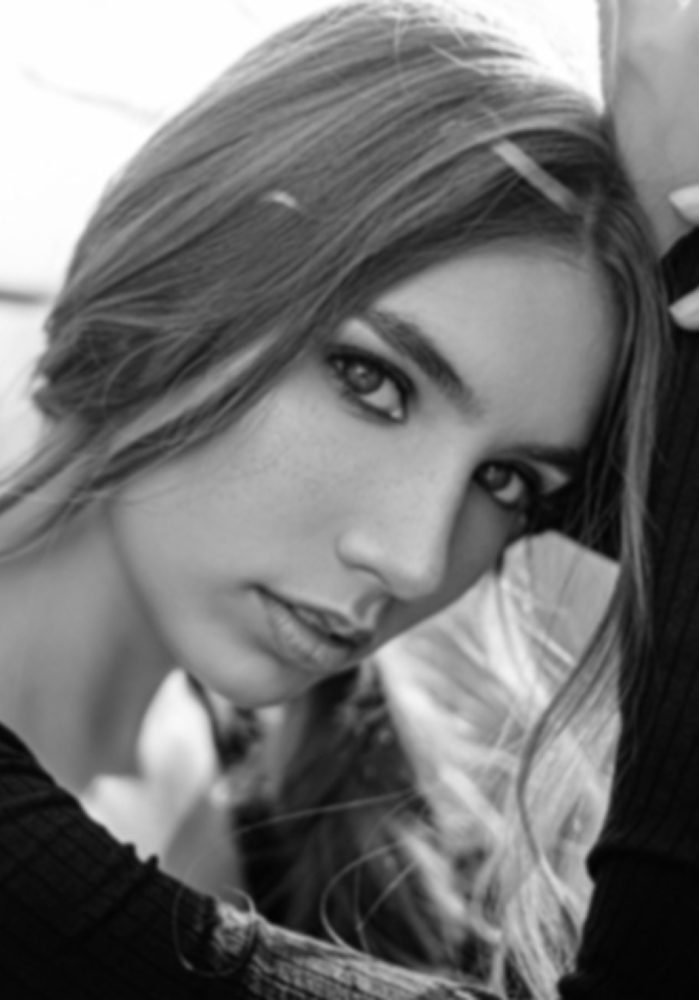 BeforeAfter
Clothing, sky and foliage in plausible tones
Fabric weave, foliage, water and sky each get colors that fit the material and the era. Edges stay crisp, with no spill between the subject and the background.
- Historically plausible palettes for old prints
- Color stays precisely within existing edges
BeforeAfter
The original detail is untouched
Colorize adds color only. Composition, grain, lighting direction and every fine detail are preserved, so the result reads as the same photograph in color.
- No relighting, no reshaping, no added detail
- Export up to 4K for prints and frames
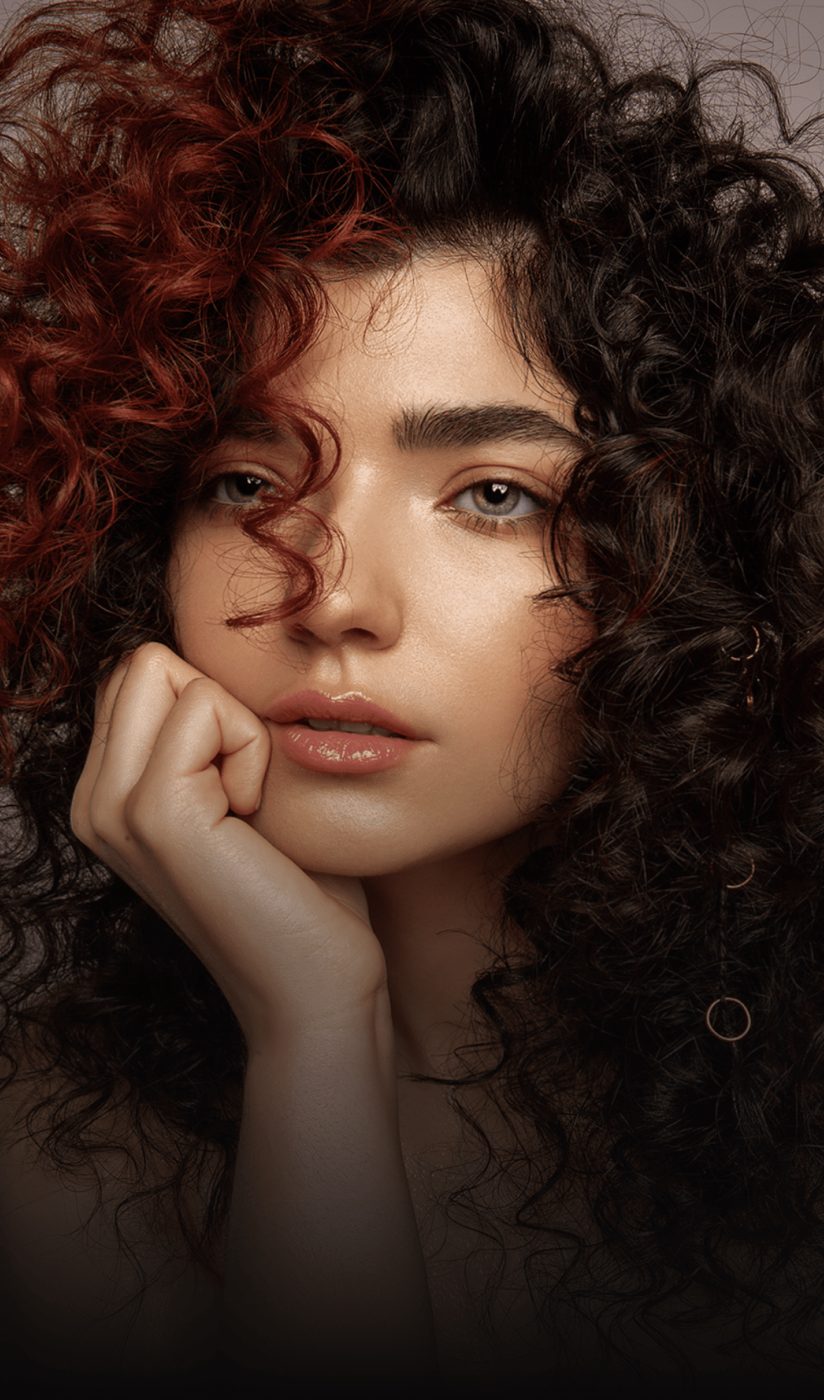
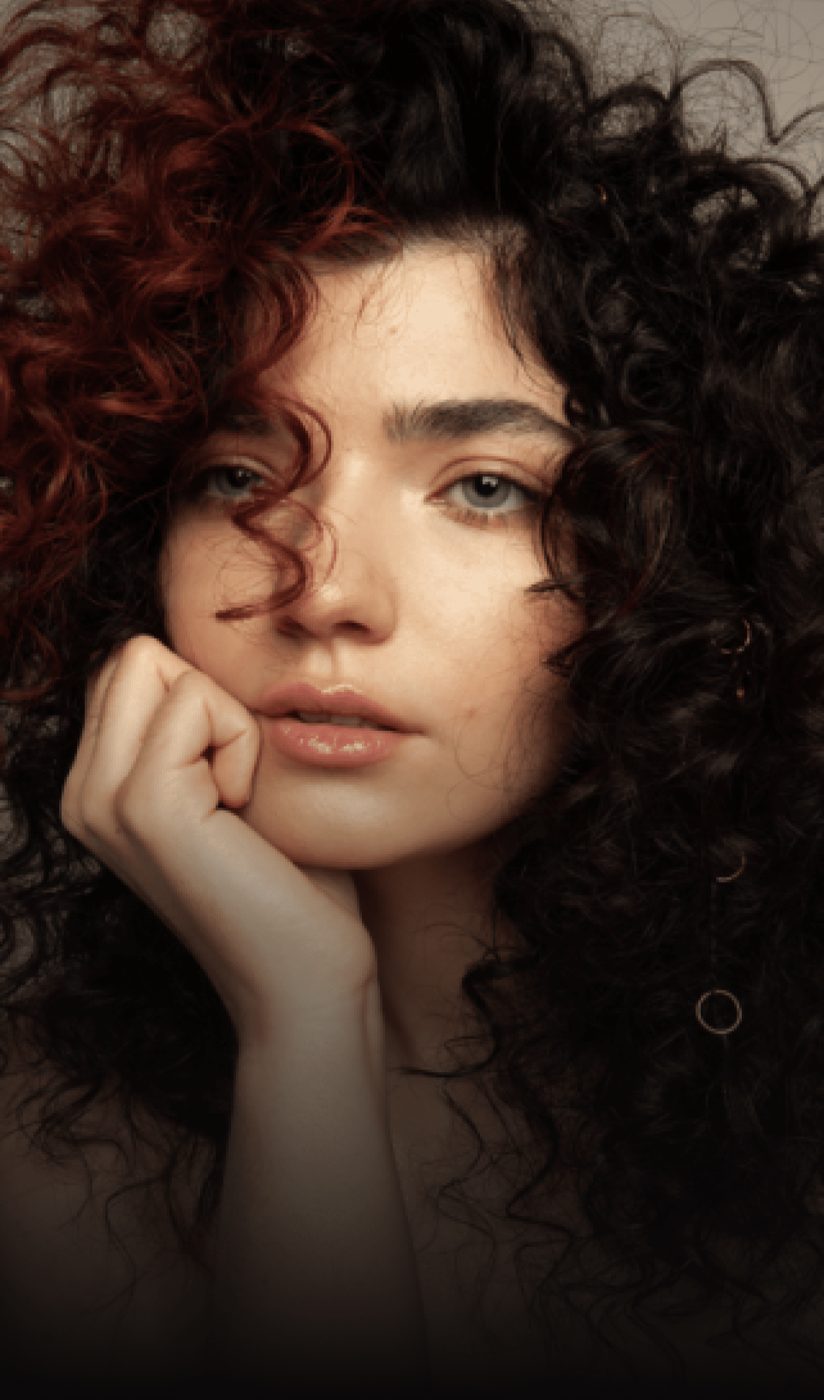 BeforeAfter
How to colorize a photo
Three steps, no software to install.
Upload the black-and-white photo
A scan or a phone photo of a print, JPG, PNG or HEIC up to 20 MB.
See the color
About 15 seconds later you see the colorized version next to the original. Drag the handle to inspect skin and edges.
Download in HD
The download is included. 2K and 4K are extra runs at 10 and 16 credits.
Questions people ask before uploading
Is the colorizer free?
Sign in with your email and get 12 free credits, enough for two runs. After that each run costs 6 credits at 1K, 10 at 2K, 16 at 4K, with the download included.
How does the AI know the right colors?
It does not know the true colors; nobody can from a monochrome image. It predicts plausible colors from the shapes, textures and context, the way a skilled retoucher would. For a known detail, such as a specific car color, results can differ from reality.
Will it change faces or details?
No. Colorize adds color only. Faces, proportions, grain and composition stay exactly as in the original.
Can it colorize a faded color photo?
Partly. For faded color prints, run Enhance first to recover contrast and color balance, then Colorize only if the color is essentially gone.
Does it work on sepia photos?
Yes. Sepia and other toned prints are treated like black-and-white.
What sizes can I download?
1K, 2K or 4K on the long edge, as JPG or PNG.
More fixes for the same photo

Colorize straight from your camera roll
Same AI, same credits. The iPhone app adds the tools that need a finger on the screen:
- Color room: manual edits, LUTs, curves and filters
- AI backgrounds from a text prompt
- Save back to Photos in one tap
 BeforeErased
Colorize your first photo
Sign in with your email, get 12 free credits, see the result in about 15 seconds.
Colorize a photo