Upscale any image to 4K
Small phone photos, screenshots, web images and old files. PixelUp enlarges them with real detail so they print, crop and display cleanly.

 BeforeAfter
Phone photo, 4x zoom, upscaled in one run. Drag to compare.
Bigger, and actually sharper
Ordinary resizing makes a bigger blur. The upscaler rebuilds texture and edges at the new size.
Real detail at 2K and 4K
Edges, textures and fine structure are reconstructed rather than stretched. A 1,000-pixel image becomes a 4K file that holds up when you zoom in.
- Up to about 4096 pixels on the long edge
- Noise and compression artifacts removed on the way
BeforeAfter
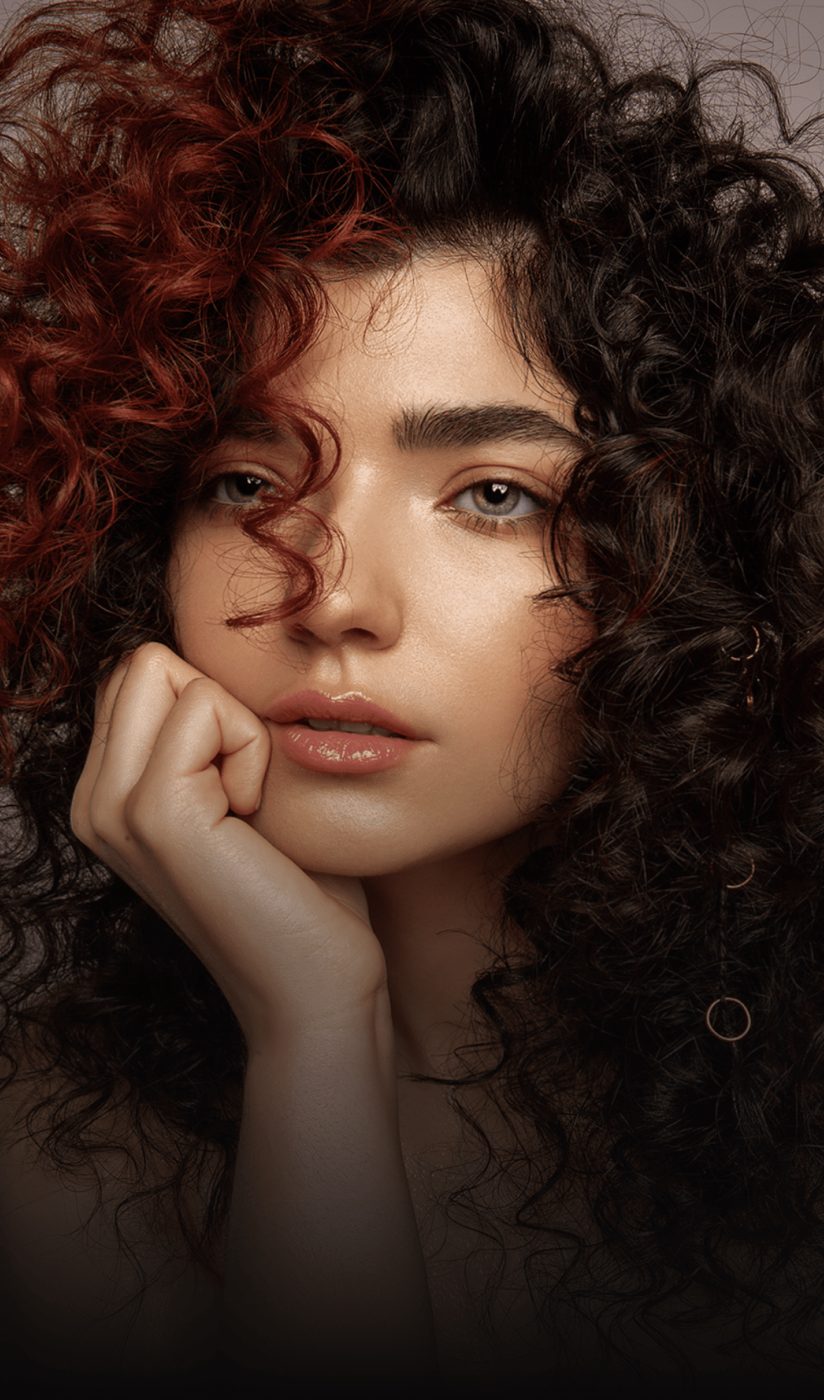
Faces rebuilt, not smeared
A face model restores eyes, skin and hair at the larger size, so portraits enlarge without the plastic look of generic upscalers.
- Every face in the frame
- Identity and expression unchanged
 BeforeAfter
Made for printing and cropping
Print a small snapshot at A3, crop a group photo down to one person, or use a web image as a wallpaper. Export as JPG or PNG.
- 1K preview free, 2K is 10 credits, 4K is 16
- JPG or PNG output, no watermark on HD downloads

 800 px4K
How to upscale an image
Three steps, no software to install.
Upload the image
JPG, PNG, WEBP or HEIC up to 20 MB. Small files are fine; that is the point.
See the result
About 15 seconds later you see the upscaled image next to the original. Drag the handle to check edges and faces.
Pick 2K or 4K and download
The download is included. 2K and 4K are extra runs at 10 and 16 credits; a 4K run takes about 20 seconds.
Questions people ask before uploading
Is the upscaler free?
Sign in with your email and get 12 free credits, enough for two runs. After that each run costs 6 credits at 1K, 10 at 2K, 16 at 4K, with the download included.
How much bigger can it go?
Up to 4K on the long edge, about 4096 pixels, from any input. Very small inputs, under 300 pixels, upscale but with less recoverable detail.
Does it invent detail?
It reconstructs plausible texture from what is there. Faces are constrained to stay the same person. Text and logos sharpen well when they are at least partly legible in the source.
Is 4K enough for printing?
Yes for A3 and smaller. 4K at 300 dpi is about 35 centimeters wide.
Can I upscale screenshots and web images?
Yes. Compression artifacts and JPEG blocks are removed as part of the pass.
What is the difference from Enhance?
Enhance runs the same engine with sharpening, denoising and light correction at the size you choose. Upscale is Enhance focused on the output size; pick either, both let you choose 1K, 2K or 4K.
More fixes for the same photo

Upscale straight from your camera roll
Same AI, same credits. The iPhone app adds the tools that need a finger on the screen:
- Color room: manual edits, LUTs, curves and filters
- AI backgrounds from a text prompt
- Save back to Photos in one tap
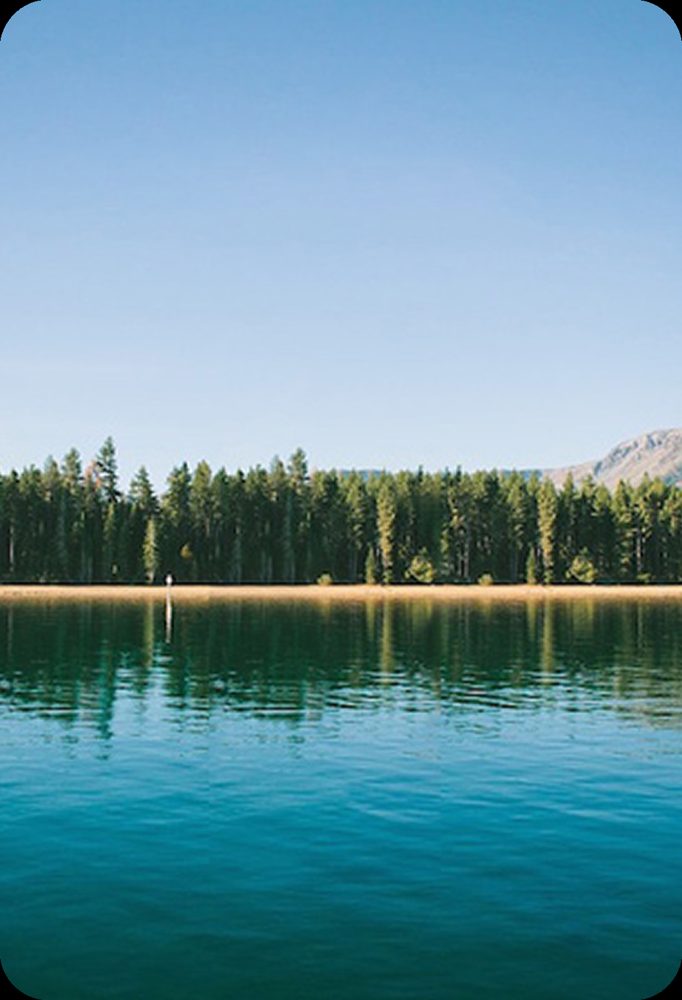
 BeforeErased
Upscale your first image
Sign in with your email, get 12 free credits, see the result in about 15 seconds.
Upscale an image