Remove the background in one click
Product shots, profile photos, listings and slides. PixelUp cuts out the subject with clean edges and gives you a transparent PNG.
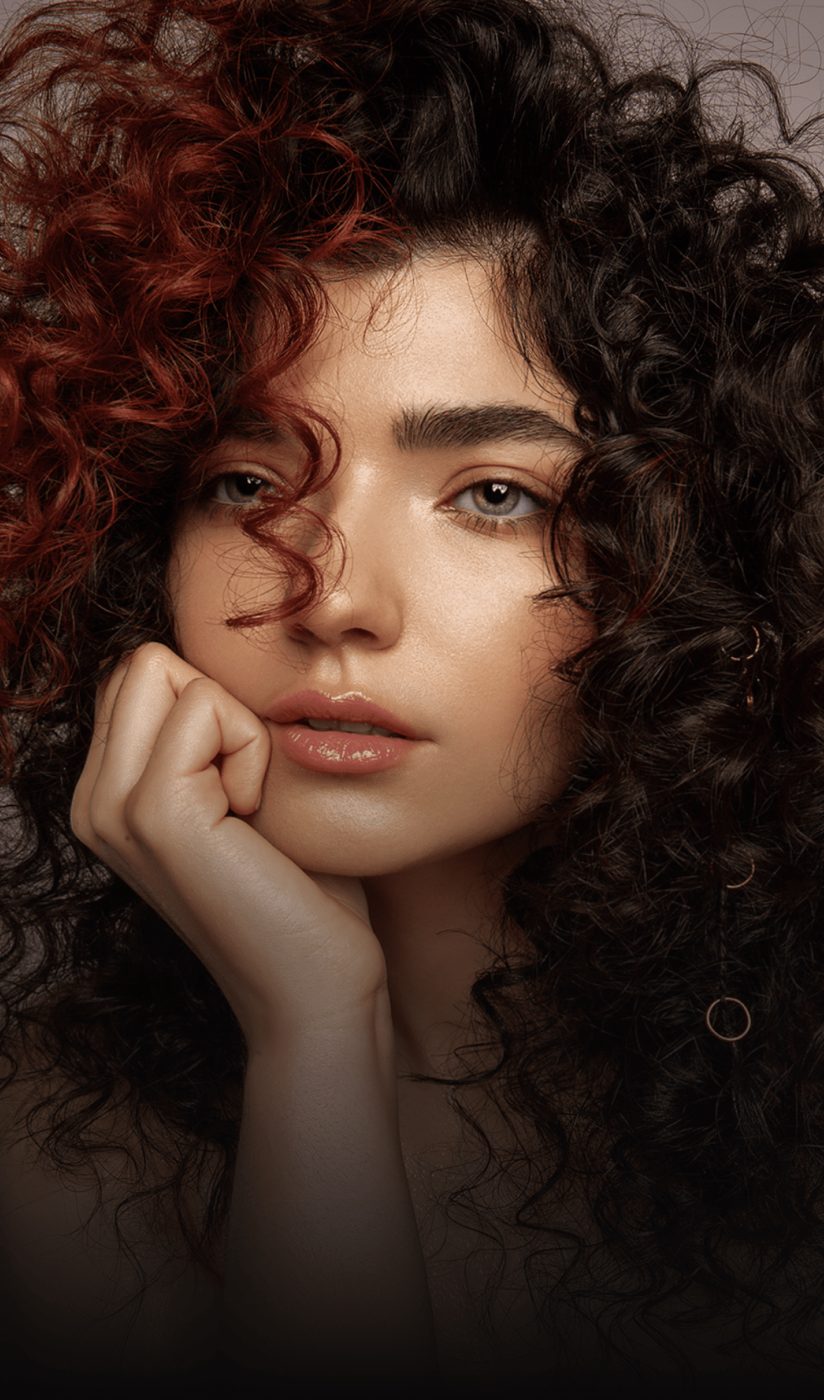
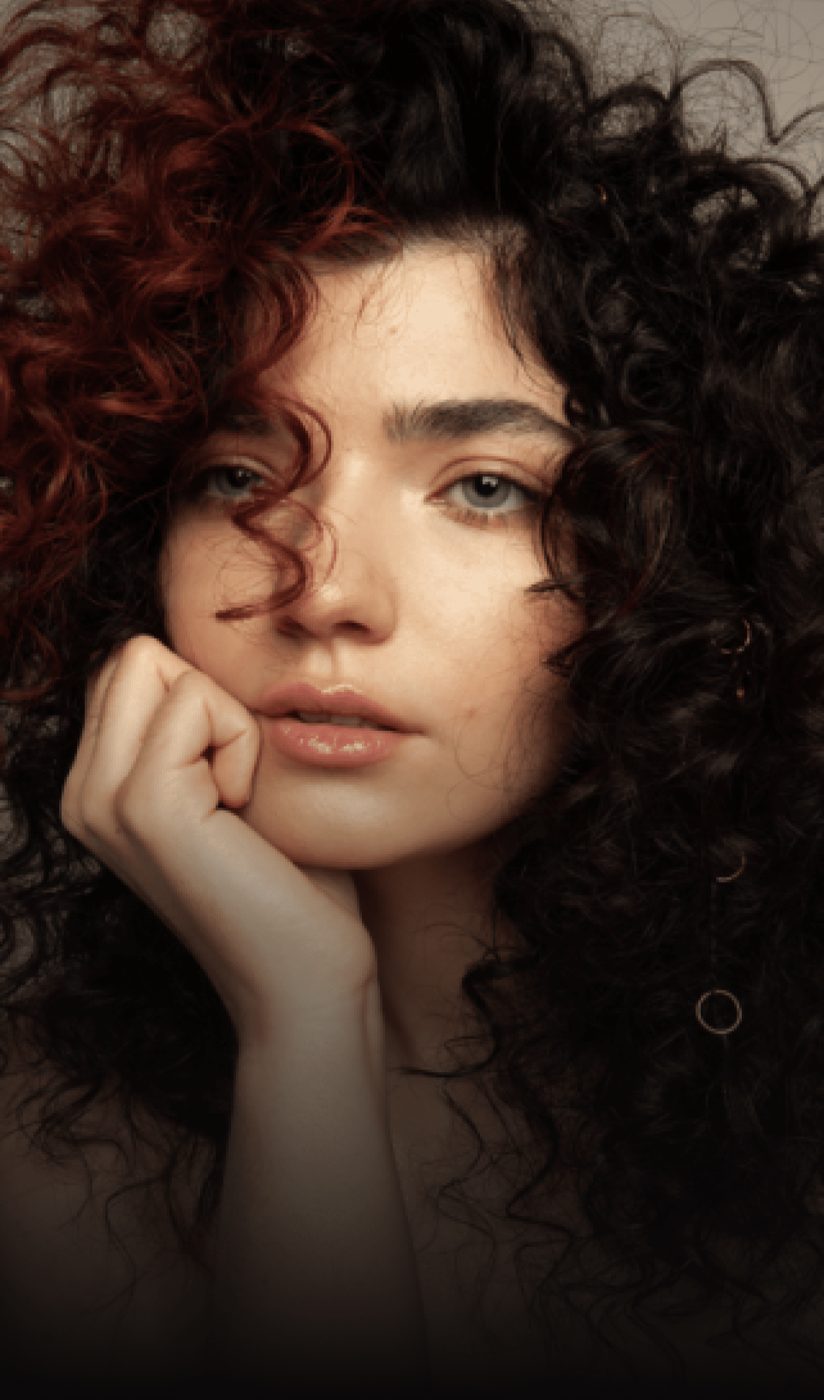 BeforeAfter
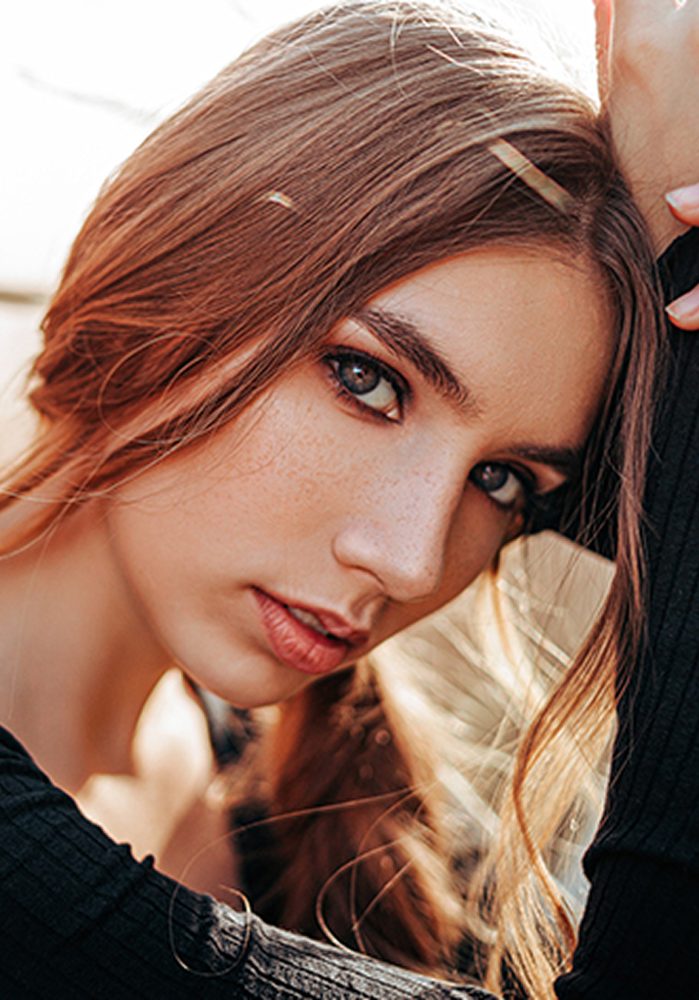
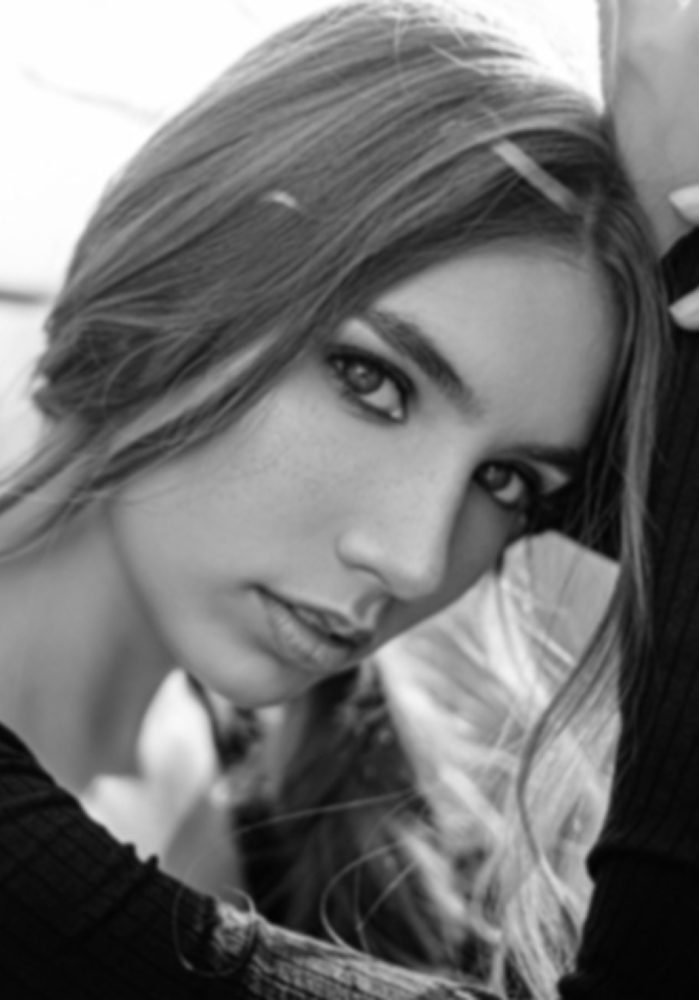
Sample portrait. Your result is a PNG with a transparent background. Drag to compare.
Edges that hold up at full size
Hair, fur and semi-transparent edges are where cut-outs fail. The model keeps them.
Hair and fine edges, not a hard outline
Individual strands, fur, lace and soft edges are preserved instead of being cut with a blunt outline. No halo, no leftover background pixels.
- Matte-quality edges on hair and fabric
- No colored fringe around the subject
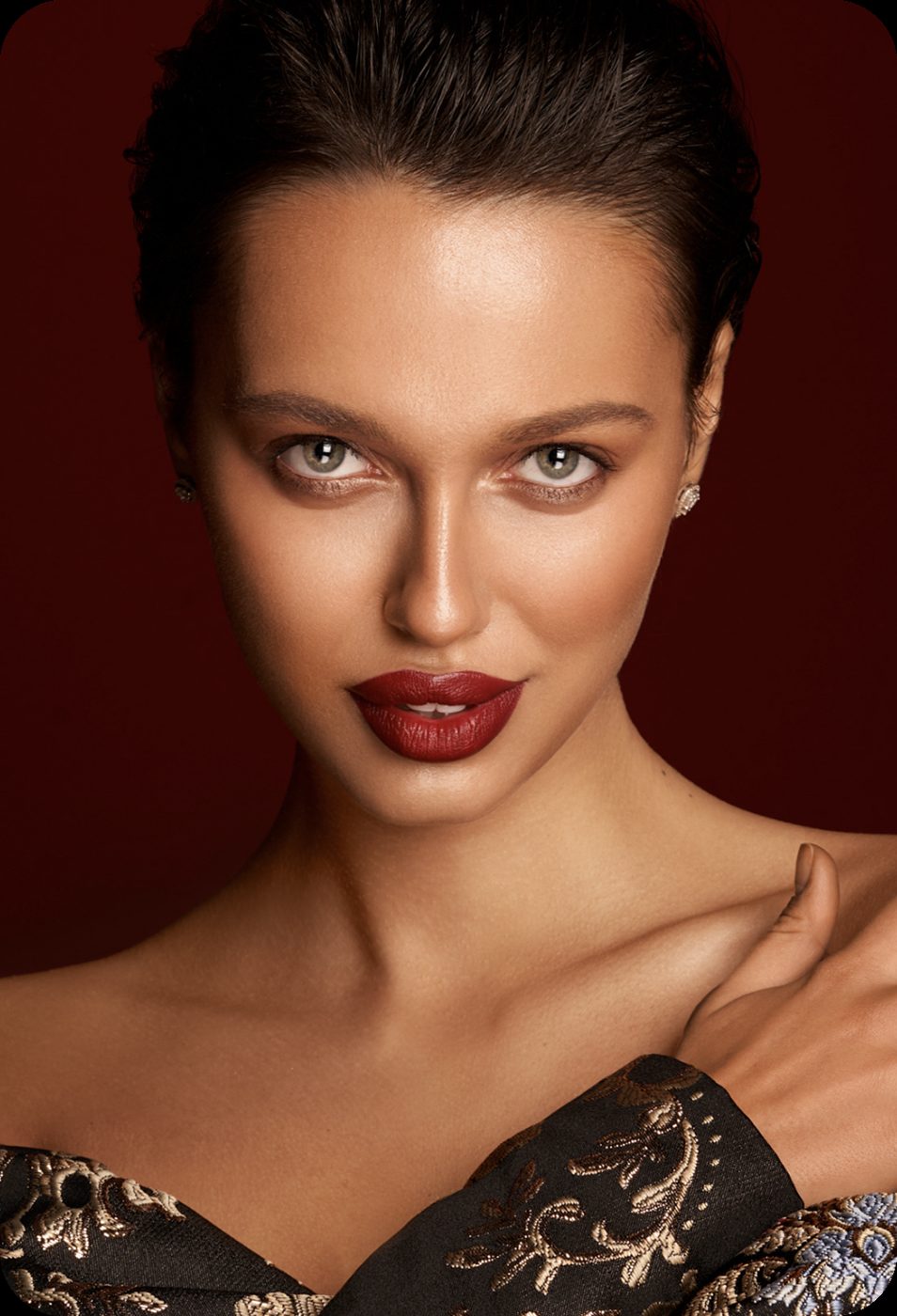
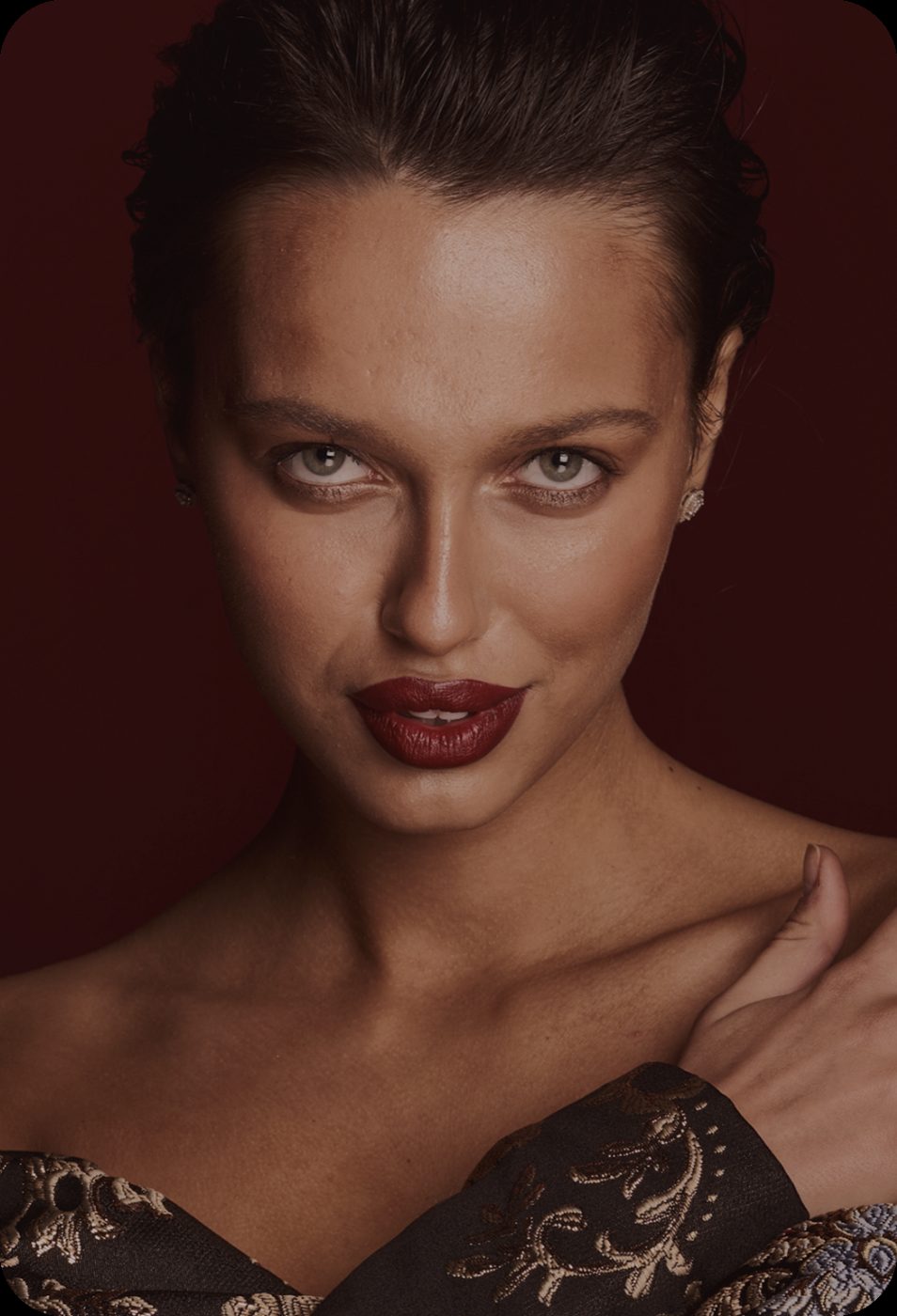 BeforeAfter
The subject stays exactly as it was
The cut-out does not recolor, reshape or restyle the subject. Lighting, shadows on the subject and texture are untouched.
- Identical anatomy, pose and color
- Works on people, products, pets and objects
BeforeAfter
Transparent PNG, ready to use
Download a PNG with real transparency for product listings, presentations, profile pictures and designs. Up to 4K.
- Transparent PNG output
- 1K, 2K or 4K on the long edge
 BeforeAfter
How to remove a background
Three steps, no software to install.
Upload the photo
JPG, PNG, WEBP or HEIC up to 20 MB. Clear separation between subject and background gives the best result.
See the cut-out
In about 15 seconds you see the subject isolated. Drag the handle to compare with the original.
Download the PNG
The download is included. The file is a PNG with a transparent background.
Questions people ask before uploading
Is the background remover free?
Sign in with your email and get 12 free credits, enough for two runs. After that each run costs 6 credits at 1K, 10 at 2K, 16 at 4K, with the download included.
Is the output really transparent?
Yes. HD downloads are PNG files with a transparent background, ready for designs, listings and presentations.
Does it work on products and pets?
Yes. People, products, pets and objects with a reasonably distinct background all work. Busy backgrounds with similar colors to the subject are harder.
Can I add a new background?
On the web, download the transparent PNG and place it on any background. The iPhone app also has an AI Background tool that generates a new scene from a text prompt.
What about shadows?
Shadows on the subject are kept. Shadows cast onto the background are removed with the background.
What sizes can I download?
1K, 2K or 4K on the long edge.
More fixes for the same photo

Cut out straight from your camera roll
Same AI, same credits. The iPhone app adds the tools that need a finger on the screen:
- Color room: manual edits, LUTs, curves and filters
- AI backgrounds from a text prompt
- Save back to Photos in one tap
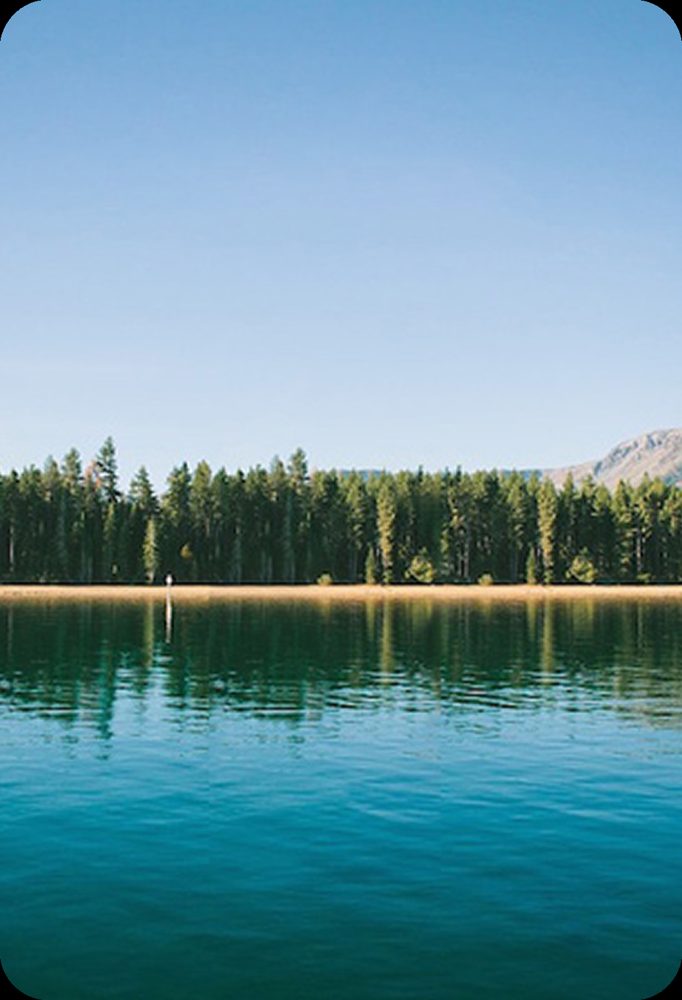
 BeforeErased
Cut out your first photo
Sign in with your email, get 12 free credits, see the result in about 15 seconds.
Remove a background