Unblur any photo in seconds
Motion blur, shaky hands, missed focus. PixelUp's AI rebuilds the detail and gives you a sharp, HD version you can actually print or post.
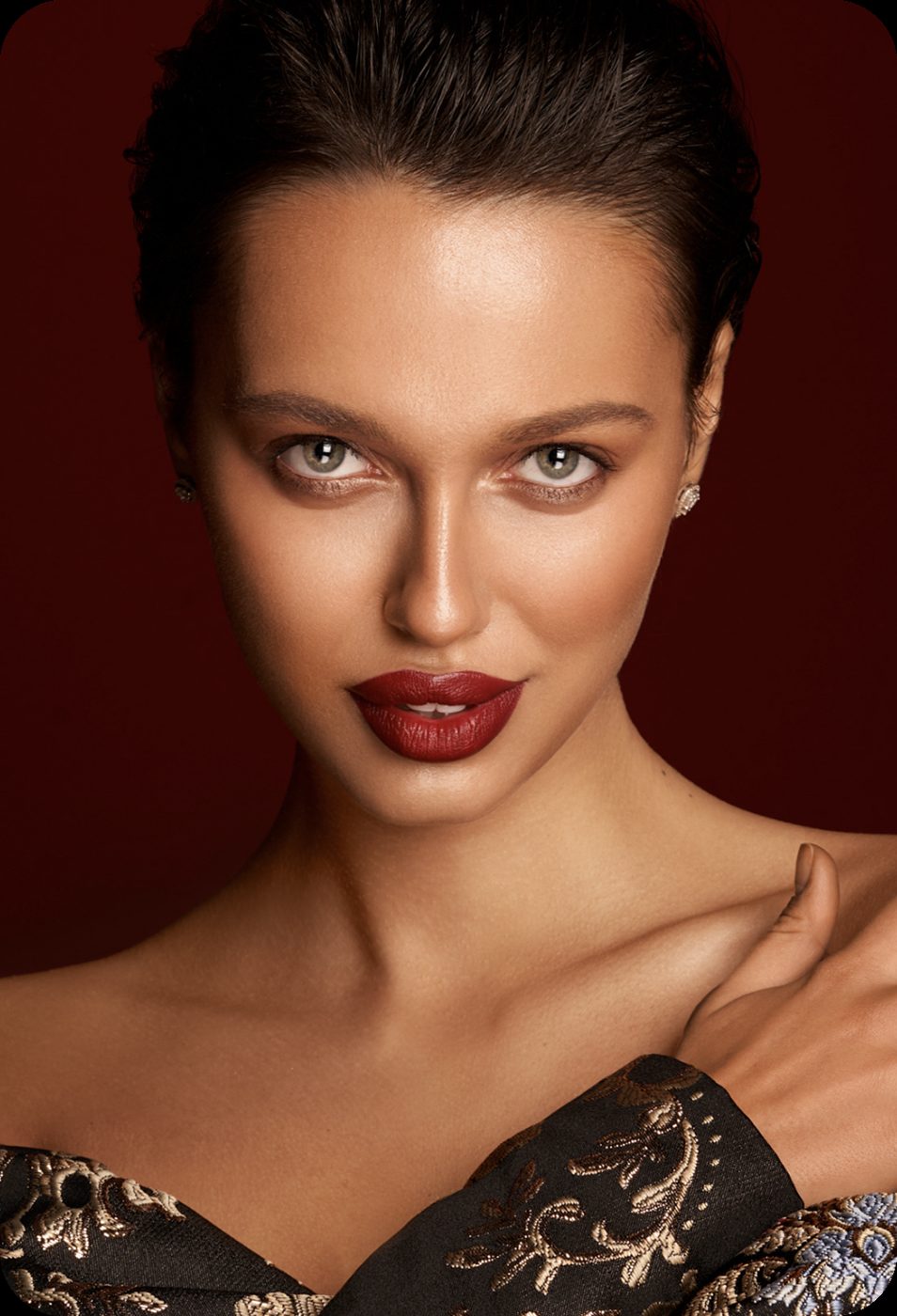
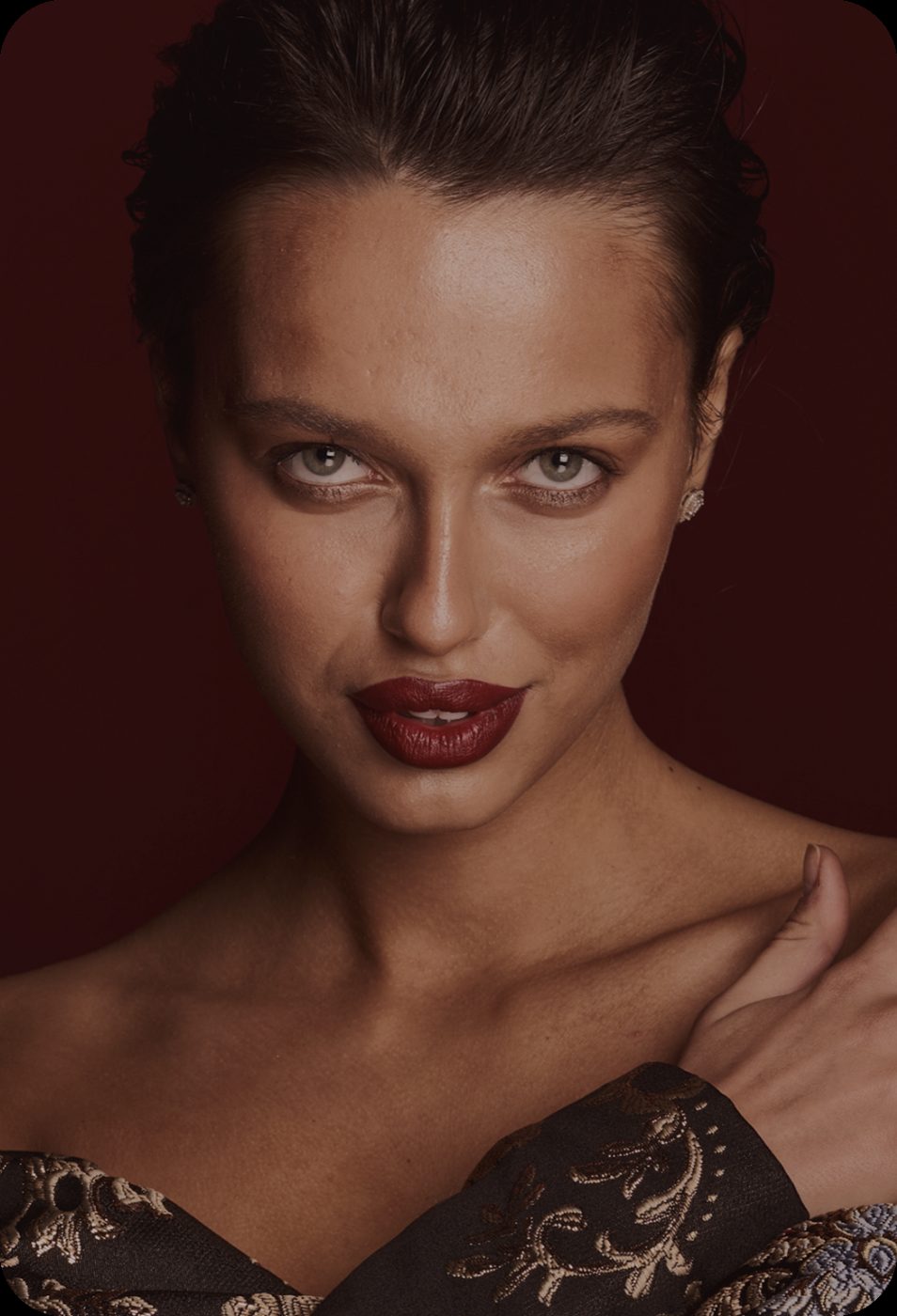 BeforeAfter
Out-of-focus portrait, one run of Unblur. Drag to compare.
Built for the blur you actually get
Three kinds of blur ruin most photos. The model is trained on each one separately.
Fix motion blur and camera shake
Low light, a moving subject, a hand that was not quite still. PixelUp estimates the direction of the blur and pulls the edges back where they belong.
- Works on phone photos and zoomed crops
- Keeps natural grain instead of smearing it
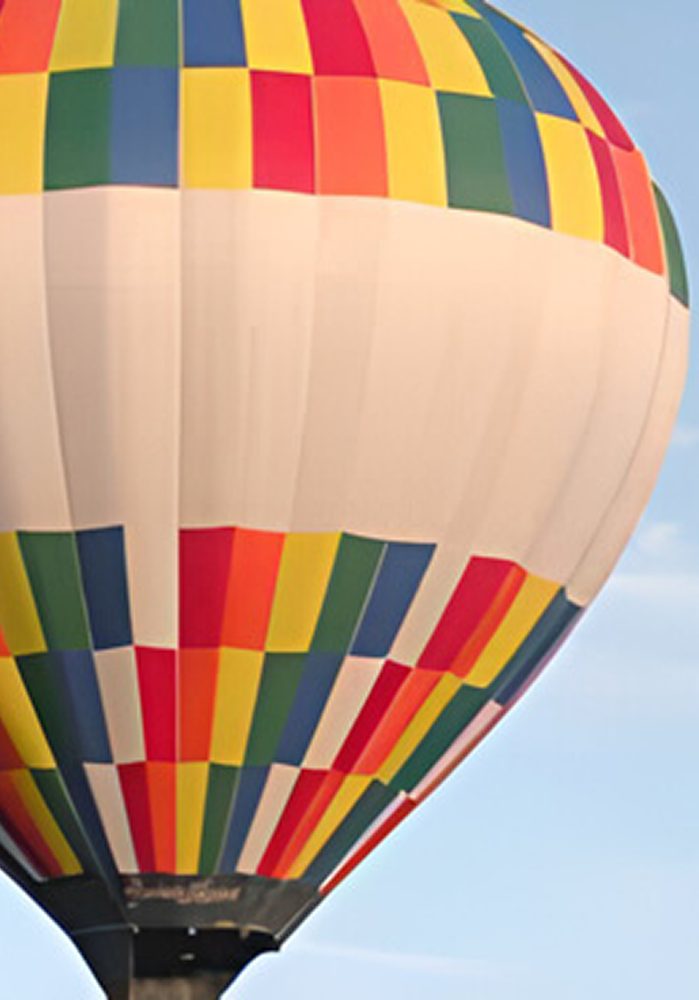
 BeforeAfter
Recover faces, not just edges
Generic sharpening makes faces look carved. PixelUp's face model restores eyes, eyelashes, skin texture and hair strands so people look like themselves, only in focus.
- Group photos: every face is detected and fixed
- Old prints and scans included
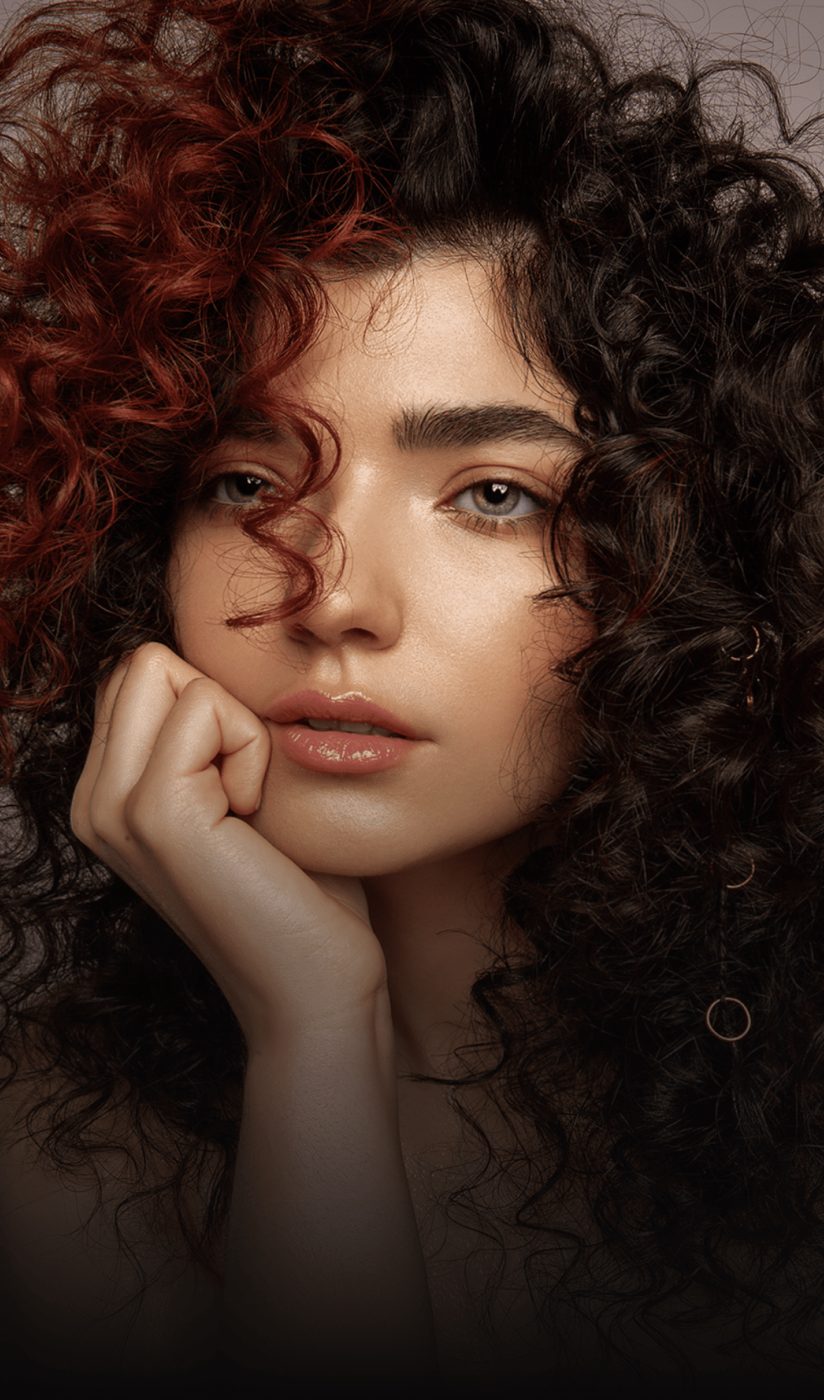
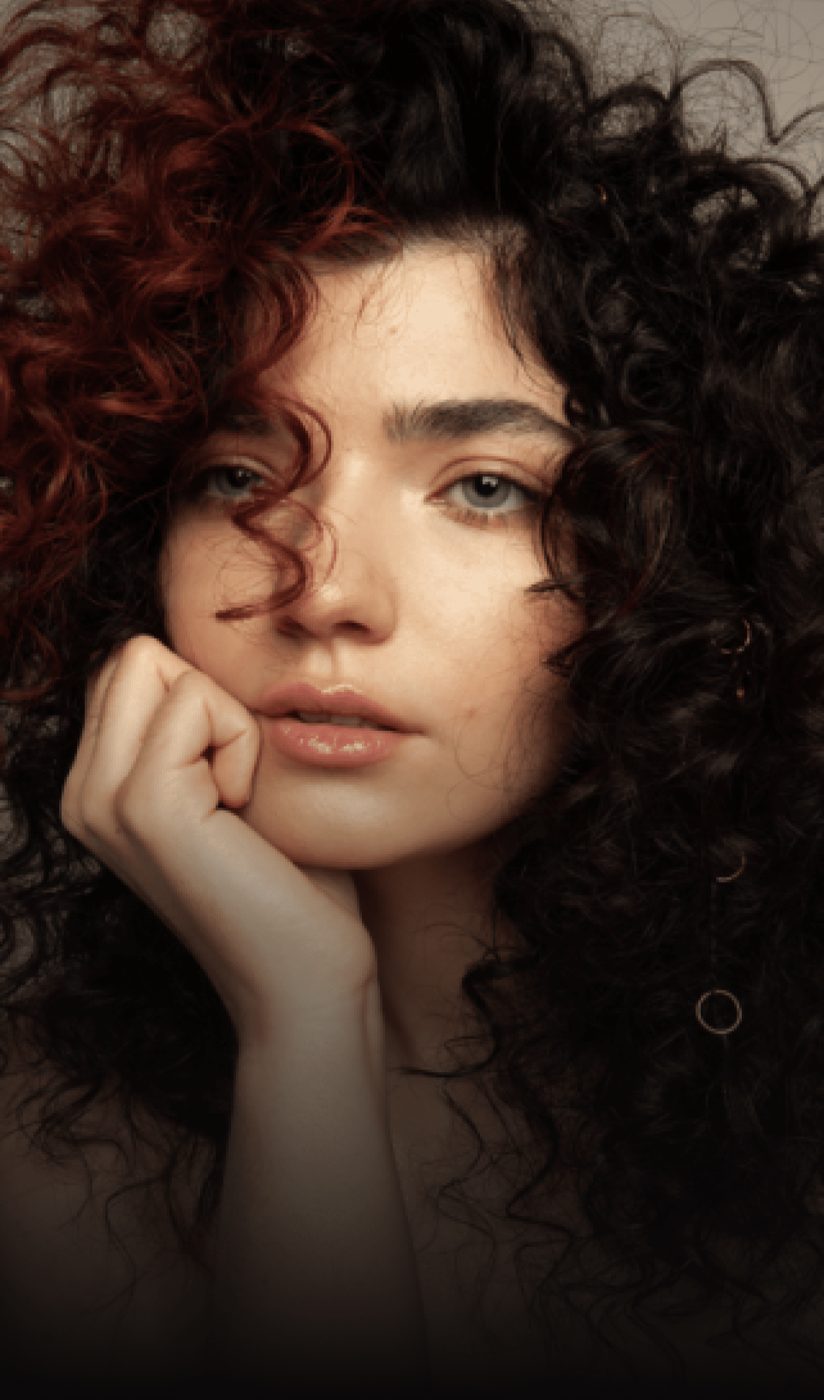 BeforeAfter
Sharpen and upscale in one go
A blurry 800-pixel photo does not become useful at 800 pixels. Choose 1K, 2K or 4K output and get a file you can print at A4 or use as a profile photo without pixelation.
- 1K run is 6 credits · 2K is 10, 4K is 16
- JPG or PNG output, no watermark on HD downloads
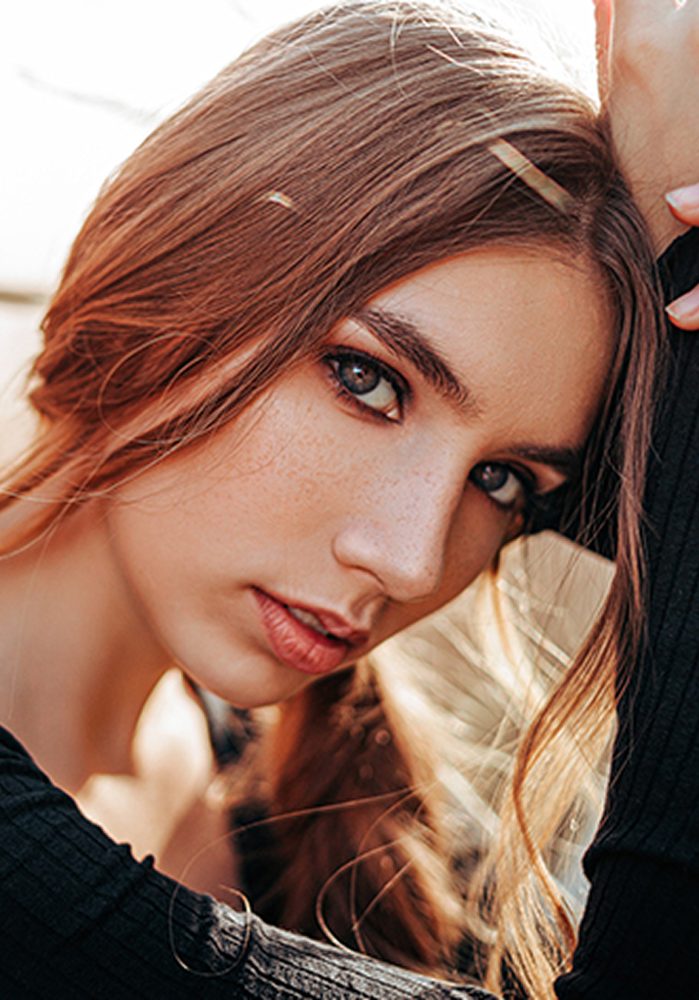
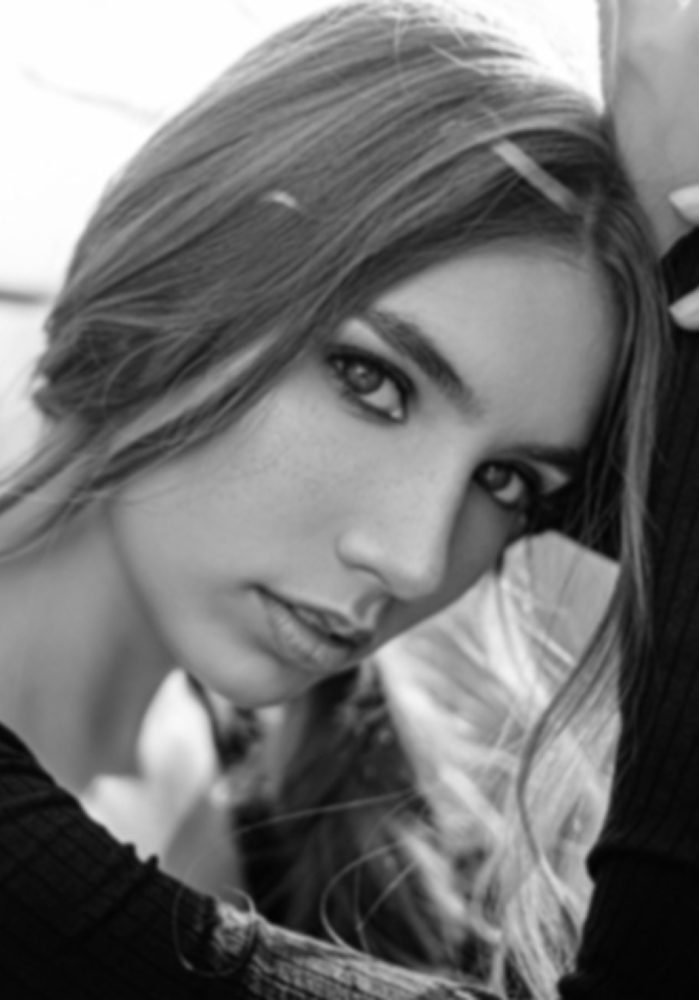 800 px4K
How to unblur a photo
Three steps, no software to install.
Upload the blurry photo
Click Choose a blurry photo or drop the file on this page. HEIC from iPhone works as is.
See the fix
In about 15 seconds you see a full before/after. Drag the handle to check faces and text up close.
Download your file
The download is included in the run. 2K and 4K are extra runs at 10 and 16 credits; credits work here and in the iPhone app.
Questions people ask before uploading
Is the unblur tool free?
Sign in with your email and get 12 free credits, enough for two runs. After that each run costs 6 credits at 1K, 10 at 2K, 16 at 4K, with the download included.
Can AI really fix a blurry photo?
For most everyday blur, yes. The model rebuilds edges, skin texture and hair from what is still visible. Extreme blur where a face is a single smear cannot be recovered truthfully, and the result shows you that; failed runs are refunded automatically.
What file types and sizes work?
JPG, PNG, WEBP and HEIC up to 20 MB. Output is JPG or PNG at 1K, 2K or 4K on the long edge.
Is my photo safe?
Photos are processed on our servers over an encrypted connection, deleted automatically after 24 hours, and never used to train AI models.
Does it work on the phone?
The web app works in Safari and Chrome on any phone. The PixelUp iPhone app adds camera-roll access and app-only tools, and shares the same credits.
Will the result look fake or over-smoothed?
PixelUp keeps the original grain and skin texture instead of painting a plastic look. If a result still looks too smooth, the Enhance tool has a lighter Natural setting.
More fixes for the same photo

Unblur straight from your camera roll
Same AI, same credits. The iPhone app adds the tools that need a finger on the screen:
- Color room: manual edits, LUTs, curves and filters
- AI backgrounds from a text prompt
- Save back to Photos in one tap
 BeforeErased
Fix the blurry one now
Sign in with your email, get 12 free credits, see the result in about 15 seconds.
Unblur a photo