Sharpen every face, keep every person
Soft selfies, zoomed group shots, old portraits. PixelUp restores eyes, skin and hair while keeping each person exactly who they are.
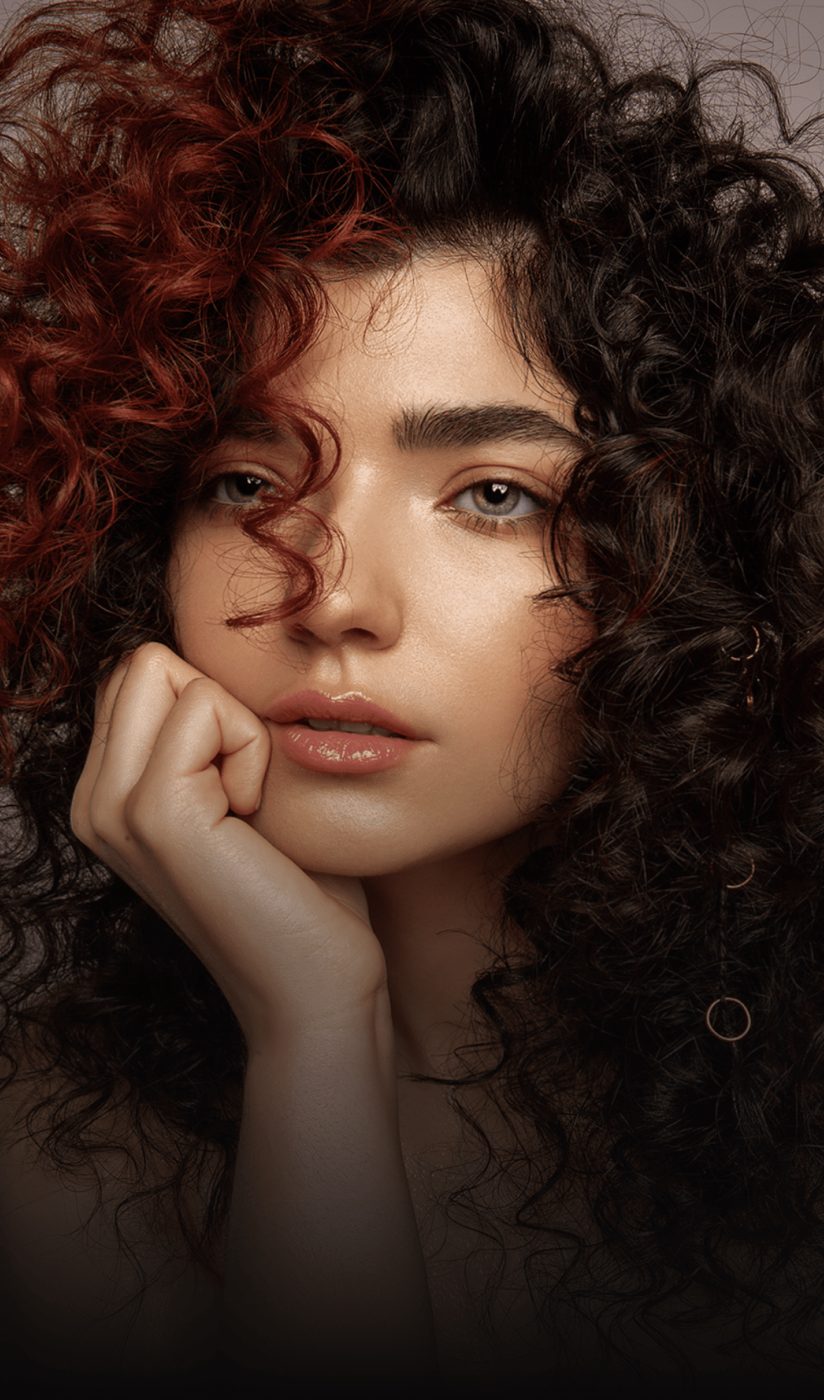
 BeforeAfter
Dark, soft phone photo. One run of the face enhancer. Drag to compare.
Restoration, not retouching
Beauty filters change faces. The face enhancer rebuilds the detail that the camera missed and stops there.
Eyes, lashes, skin texture and hair
The face model reconstructs the fine detail that soft focus and compression destroy: catchlights in the eyes, individual lashes, pores, hair strands.
- No smoothing, no plastic skin
- Natural grain is kept
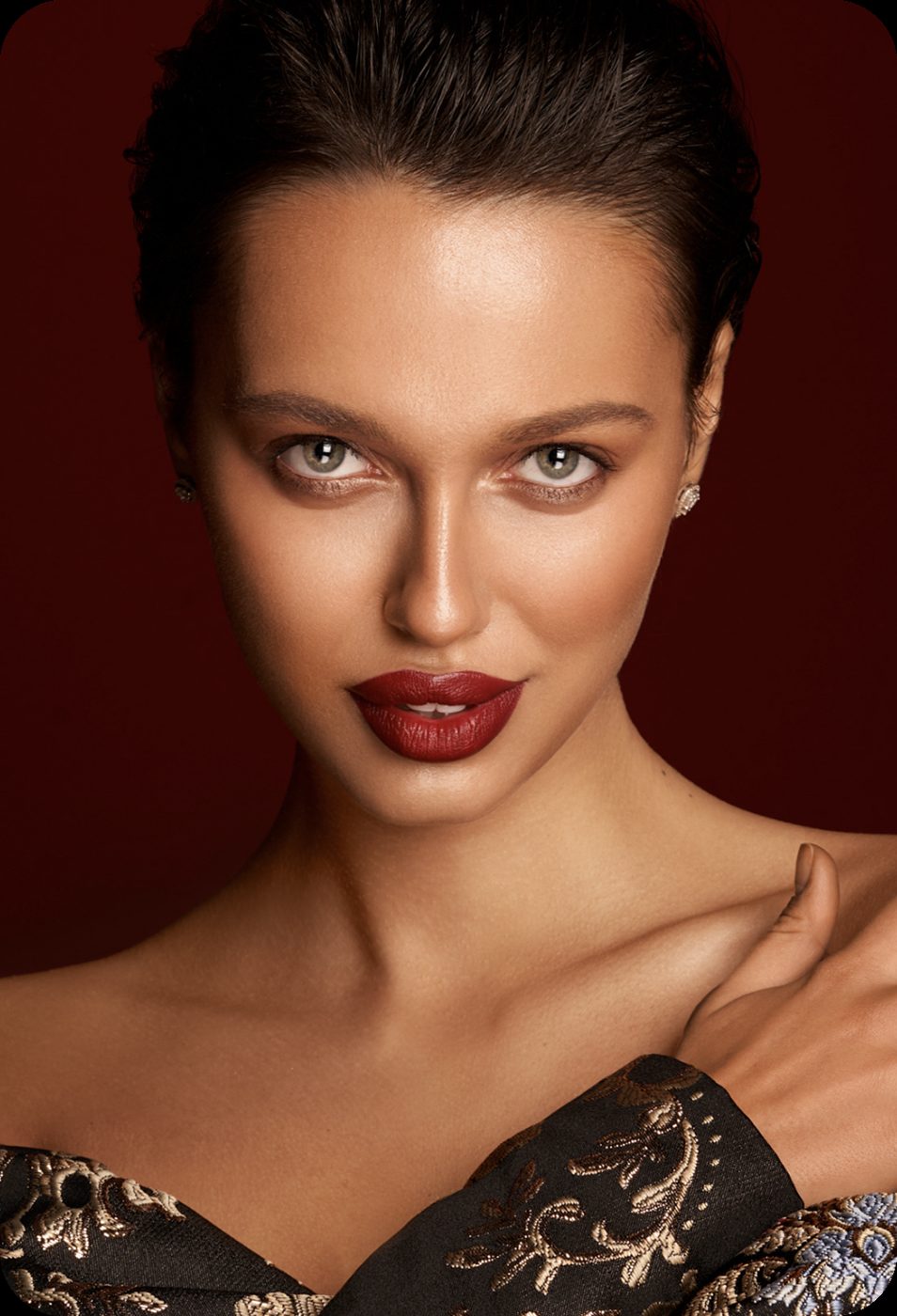
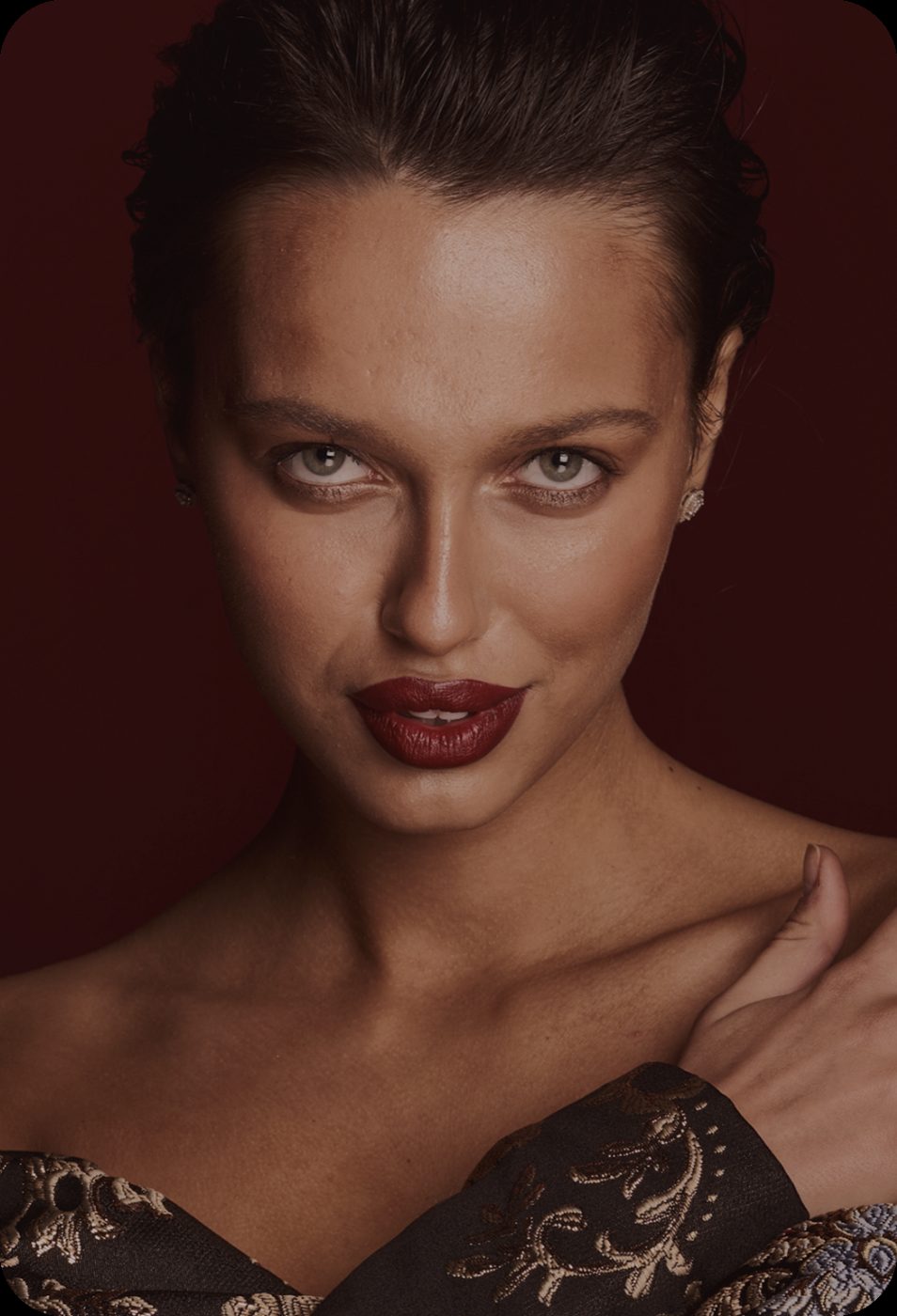 BeforeAfter
Every face in the group
Each face is detected and restored at its own scale, so the person at the back of a group photo gets the same treatment as the one in front.
- Group photos, class photos, team shots
- Small faces from a zoomed crop
BeforeAfter
Same person, better photo
Identity, expression, age, proportions and skin tone are preserved. The result is the photo you took, in focus.
- No reshaping, no relighting
- Export up to 4K for prints
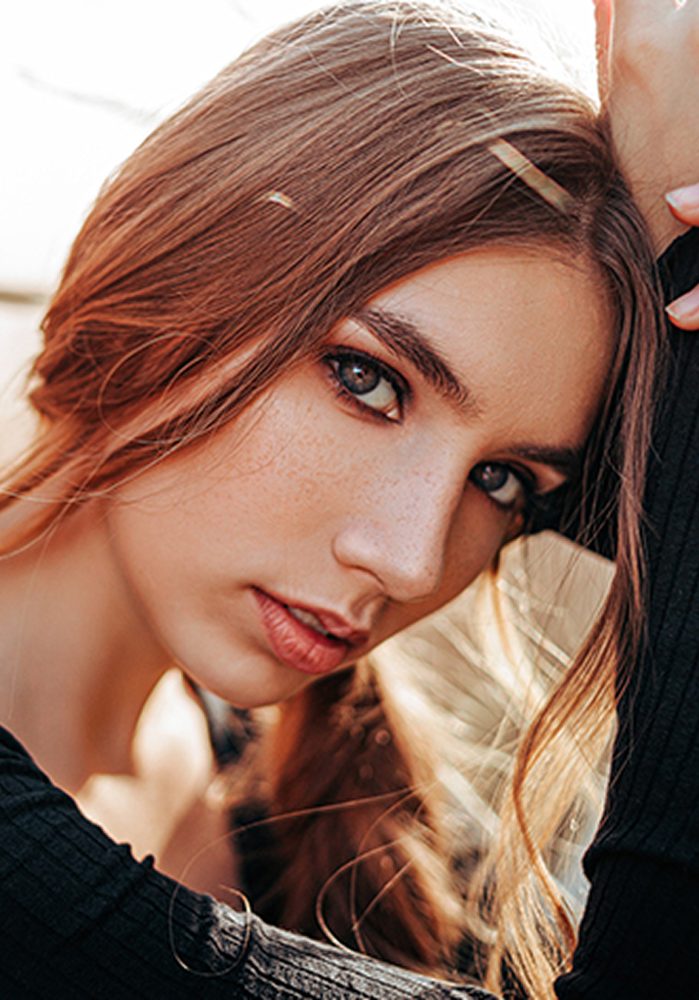
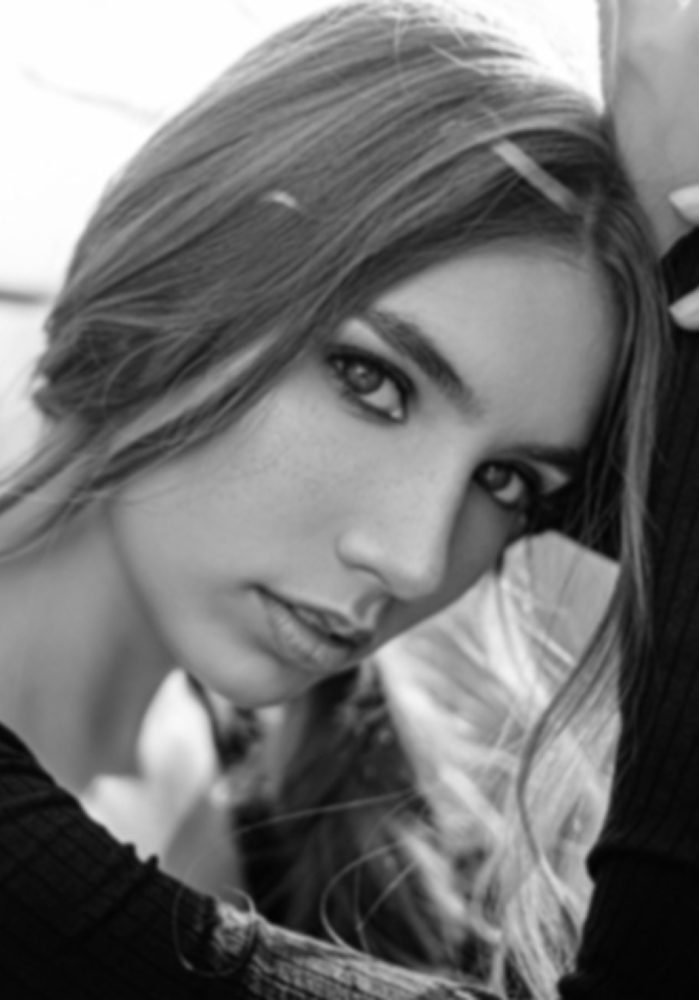 BeforeAfter
How to enhance faces in a photo
Three steps, no software to install.
Upload the photo
JPG, PNG, WEBP or HEIC up to 20 MB. Group photos work; every face is handled.
See the faces
About 15 seconds later you see the result next to the original. Drag the handle over each face.
Download in HD
The download is included. 2K and 4K are extra runs at 10 and 16 credits.
Questions people ask before uploading
Is the face enhancer free?
Sign in with your email and get 12 free credits, enough for two runs. After that each run costs 6 credits at 1K, 10 at 2K, 16 at 4K, with the download included.
Will it change how people look?
No. It restores detail and keeps identity, expression, age and proportions. It is not a beauty filter and does not reshape features.
Does it work on old photos?
Yes. Combine it with Restore old photos for scans with fade and grain, and with Colorize for black-and-white prints.
How many faces can it handle?
All faces in the frame, including small ones at the back of a group. Very small faces, under about 40 pixels, have limited recoverable detail.
Is my photo safe?
Photos are processed over an encrypted connection, deleted automatically after 24 hours, and never used to train AI models. Face data is never stored or used to identify you.
What sizes can I download?
1K, 2K or 4K on the long edge, as JPG or PNG.
More fixes for the same photo

Enhance faces straight from your camera roll
Same AI, same credits. The iPhone app adds the tools that need a finger on the screen:
- Color room: manual edits, LUTs, curves and filters
- AI backgrounds from a text prompt
- Save back to Photos in one tap
 BeforeErased
Fix the faces in one photo
Sign in with your email, get 12 free credits, see the result in about 15 seconds.
Enhance a photo