Restore old photos with AI
Scans of prints, faded albums, grainy film. PixelUp cleans the damage, sharpens the faces and, if you want, brings back the color.
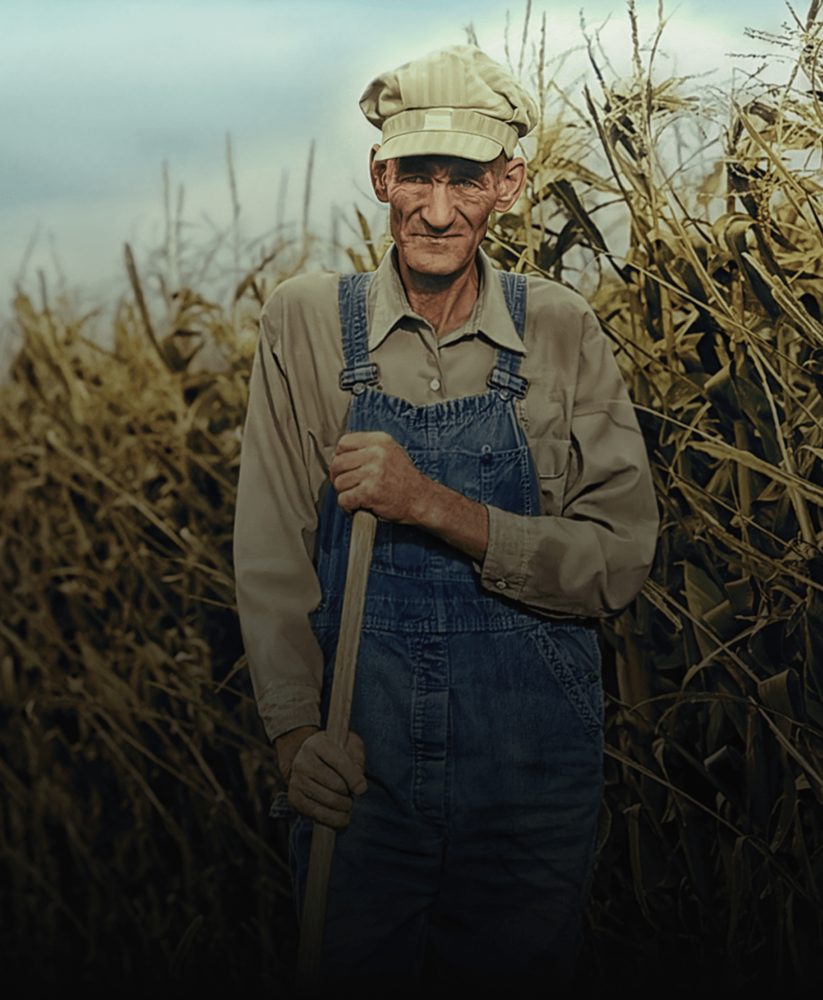
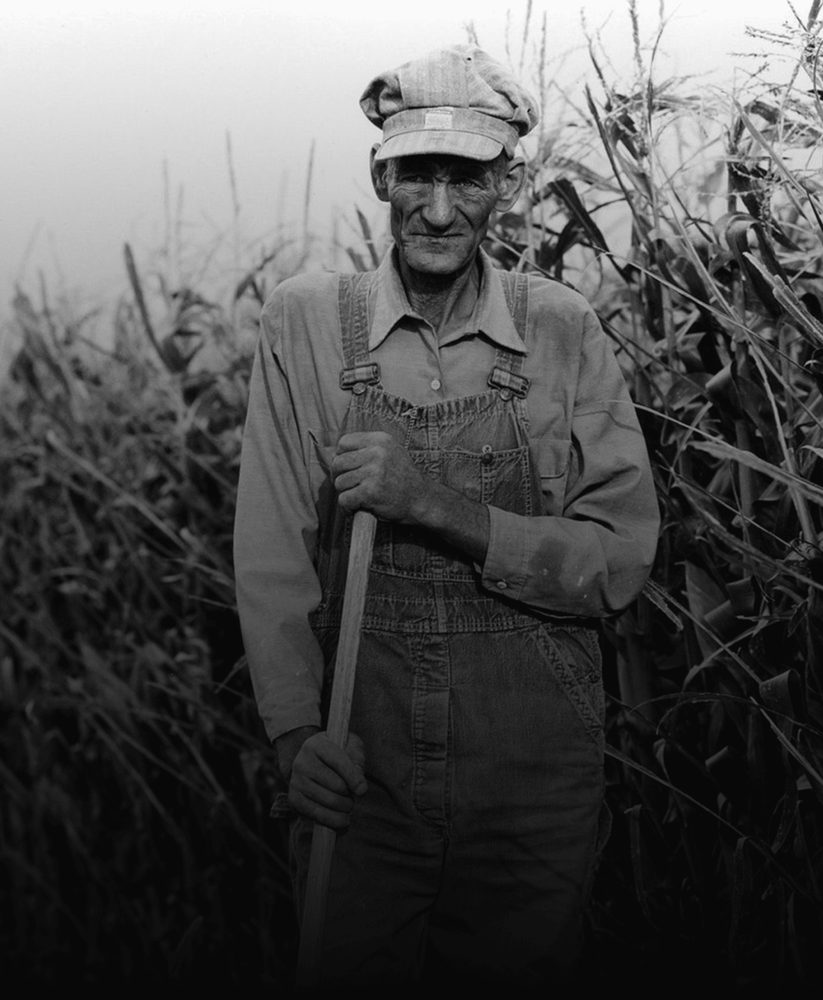 BeforeAfter
A 1950s print, scanned and restored in one run. Drag to compare.
Built for prints, scans and film
Old photos fail in their own ways: fade, grain, scratches and soft focus. The restoration pass handles each.
Clean fade, grain and scratches
Scanned prints carry paper texture, dust and the grain of old film. PixelUp removes them while keeping the real texture of skin, cloth and foliage.
- Works from a phone photo of a print, no scanner needed
- Keeps the photo looking like the era it came from

 BeforeAfter
Recover faces that time blurred
A dedicated face model rebuilds eyes, skin and hair for every person in the frame, so family portraits come back as the people you remember, not generic faces.
- Every face in a group photo, not only the largest
- Identity, expression and age stay exactly as they were

 BeforeAfter
Add color, or keep it black and white
Switch to the Colorize tool for natural, era-appropriate color, or keep the monochrome and only repair the damage. Both are one click.
- Skin, clothing, sky and foliage get believable tones
- Restored photos export up to 4K for printing
BeforeAfter
How to restore an old photo
Three steps, no software to install.
Upload the scan or photo
Scan the print, or just photograph it with your phone in good light. JPG, PNG or HEIC up to 20 MB.
See the restoration
In about 15 seconds you see a before/after. Drag the handle to check faces and detail. Each run is 6 credits at 1K.
Download in HD
The download is included. 2K and 4K are extra runs at 10 and 16 credits; 4K prints cleanly at A3.
Questions people ask before uploading
Is old photo restoration free?
Sign in with your email and get 12 free credits, enough for two runs. After that each run costs 6 credits at 1K, 10 at 2K, 16 at 4K, with the download included.
Do I need a scanner?
No. A phone photo of the print, taken straight on in daylight without glare, works well. A flatbed scan at 300 dpi or more gives the best result.
Can it fix torn or missing parts?
Small scratches, dust and creases are removed. Large missing areas are not invented; use Erase objects to clean a damaged region and the model fills it from the surroundings.
Will the faces still look like my relatives?
Yes. The model is constrained to keep identity, expression and proportions. It sharpens what is there rather than replacing it.
Can it add color to a black-and-white photo?
Yes. Run Colorize on the same upload for natural, historically plausible color, or keep it monochrome.
How big can the restored file be?
Up to 4K on the long edge, about 4096 pixels, enough for an A3 print from a small snapshot.
More fixes for the same photo

Restore straight from your camera roll
Same AI, same credits. The iPhone app adds the tools that need a finger on the screen:
- Color room: manual edits, LUTs, curves and filters
- AI backgrounds from a text prompt
- Save back to Photos in one tap
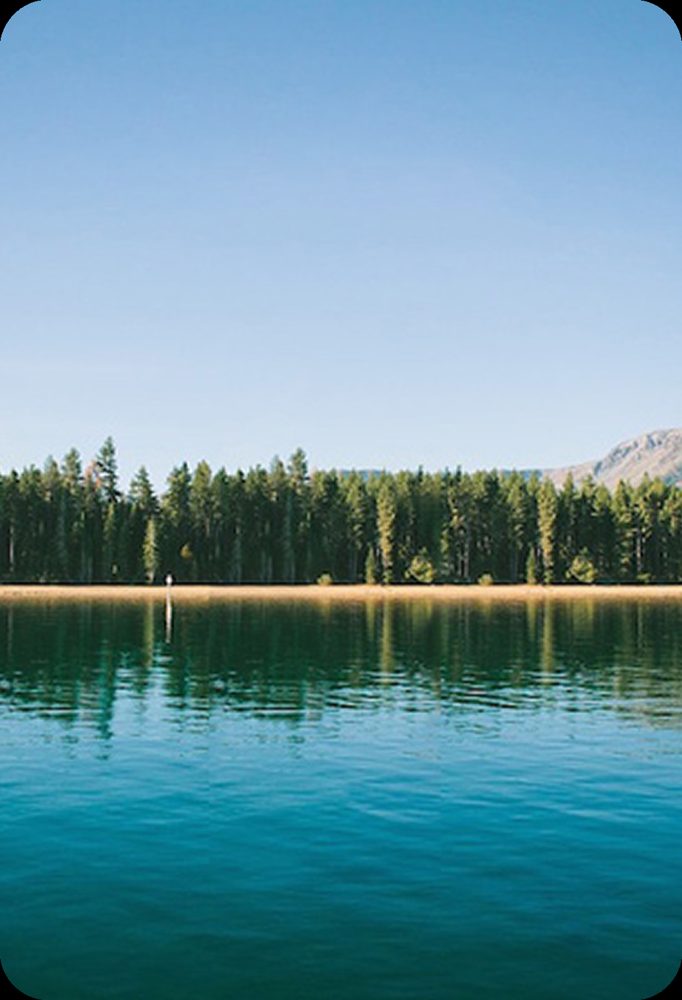
 BeforeErased
Bring an old photo back
Sign in with your email, get 12 free credits, see the result in about 15 seconds.
Restore a photo